
Storage & Memory
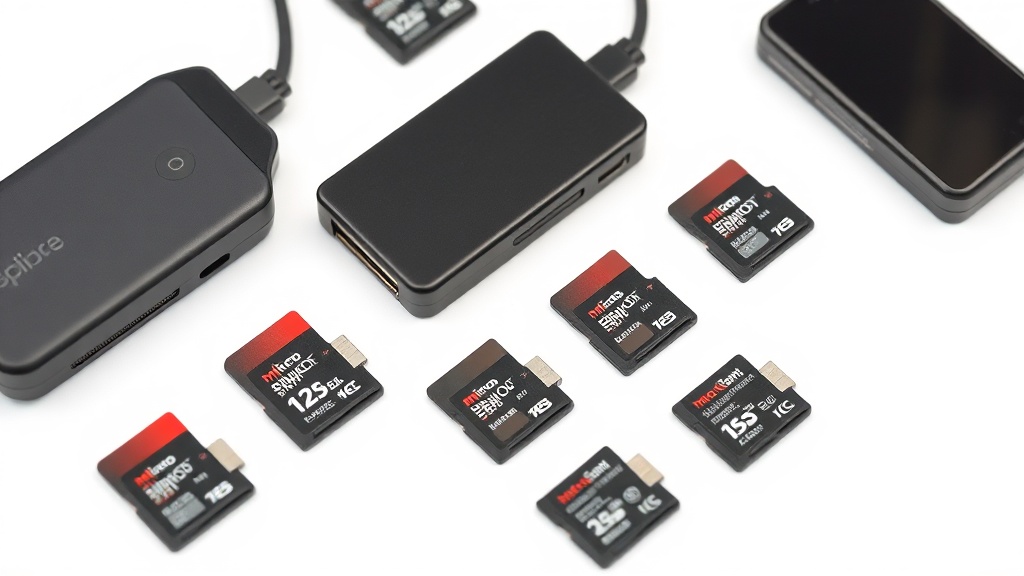
Expand your retro handheld storage with high-capacity MicroSD cards. Samsung, SanDisk, Kingston, and Lexar in 64GB to 1TB. Plus USB-C card readers for easy file management.
Showing all 19 results
Guides to help you choose
Showing all 19 results
Picking a MicroSD card
Storage is where a retro handheld actually keeps your library, and it is the component most likely to cause problems. Card quality matters more than headline capacity.
Capacity
64GB comfortably holds large 8-bit, 16-bit and handheld libraries. Step up to 128GB or more if you want PS1 content, which is much larger per title, or simply do not want to manage space.
Speed class
Look for a genuine Class 10 / U1 card or better. Slow cards cause long load times, stutter and, at worst, corrupted saves.
Brand matters here
Counterfeit cards are common in this category. Buying a known brand from a listing with real reviews and returns is worth the small premium.
Before you buy
- Back up your existing card before swapping — see the SD card guide.
- Prefer a reputable brand over an unbranded card with an implausible capacity.
- Keep the stock card untouched if you plan to try custom firmware.
Common questions
How big a card do I need?
Can I move my games to a bigger card?
Picking a MicroSD card
Storage is where a retro handheld actually keeps your library, and it is the component most likely to cause problems. Card quality matters more than headline capacity.
Capacity
64GB comfortably holds large 8-bit, 16-bit and handheld libraries. Step up to 128GB or more if you want PS1 content, which is much larger per title, or simply do not want to manage space.
Speed class
Look for a genuine Class 10 / U1 card or better. Slow cards cause long load times, stutter and, at worst, corrupted saves.
Brand matters here
Counterfeit cards are common in this category. Buying a known brand from a listing with real reviews and returns is worth the small premium.
Before you buy
- Back up your existing card before swapping — see the SD card guide.
- Prefer a reputable brand over an unbranded card with an implausible capacity.
- Keep the stock card untouched if you plan to try custom firmware.