
The R36 Ultra and R36 Max share a 4.0-inch 720×720 square screen and the RK3326 chip. The differences are the shell, the battery and confirmed Wi-Fi, compared here source by source.
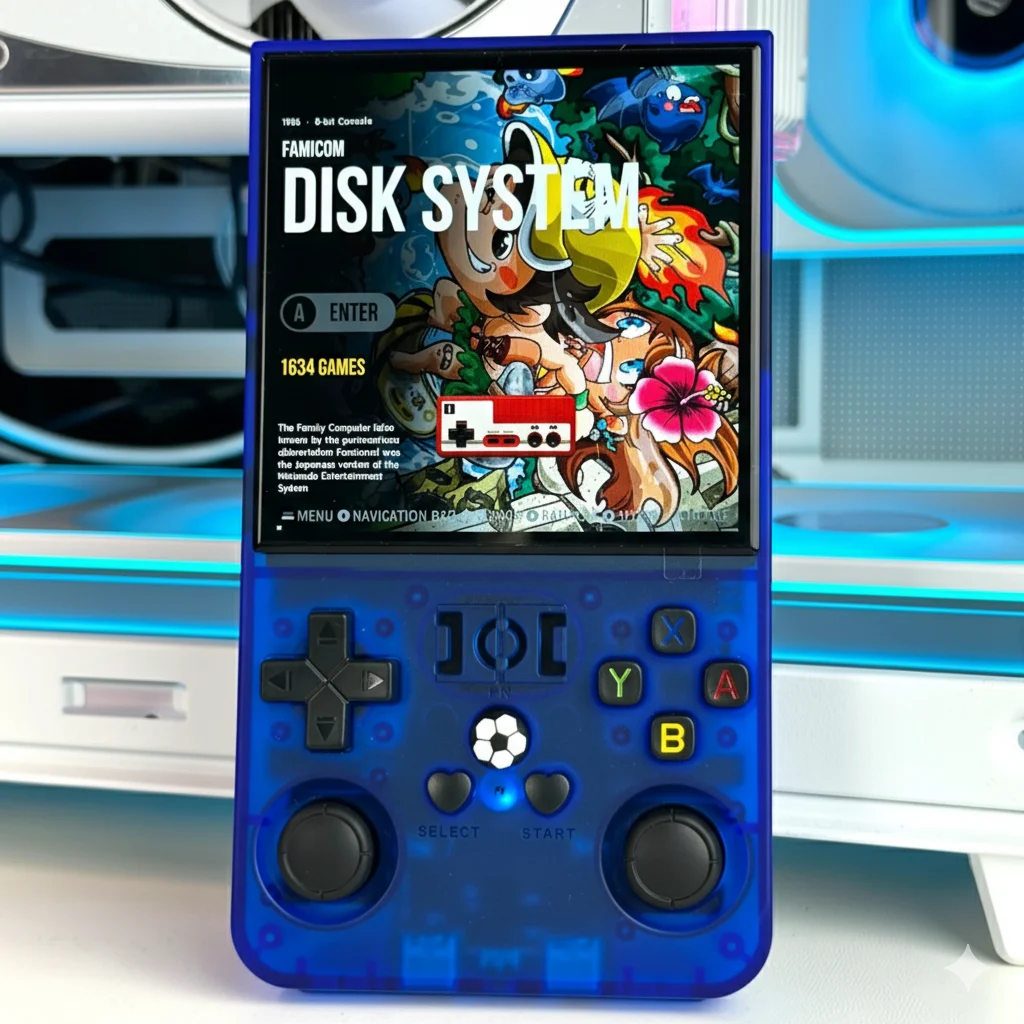
The R36 Ultra and R36 Max share a 4.0-inch 720×720 square screen and the RK3326 chip. The differences are the shell, the battery and confirmed Wi-Fi, compared here source by source.

How R36S and R36 Ultra firmware updates work in 2026: what replaced the archived ArkOS, how ArkOS4Clone, dArkOSRE-R36 and ROCKNIX update, what to back up first and what to do if the handheld won’t boot.

Sourced hotkey tables for the R36S and R36 Ultra on ArkOS, dArkOSRE-R36, ArkOS4Clone and ROCKNIX, plus how to check your firmware, exit games and find your save files.
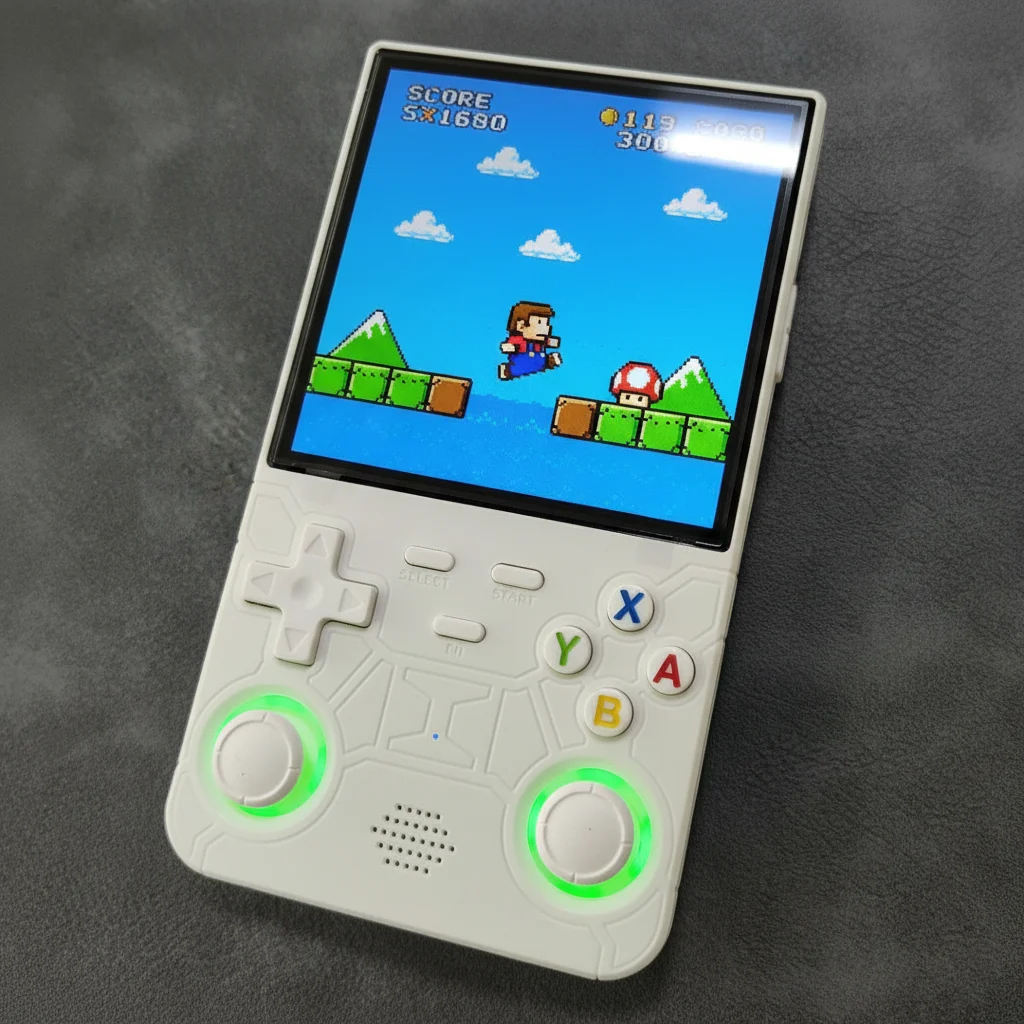
Black Friday 2026 is November 27 and Cyber Monday is November 30. Here’s how to judge an R36S or R36 Ultra deal with price history, avoid clone listings, pick the right model and check returns.
A plain-language Christmas guide for anyone buying an R36S or R36 Ultra for someone else: who it suits, which model to pick, the preloaded-games caveat, what to add and how to set it up before wrapping.

The R36 Ultra X is a vertical RK3326 handheld with a 4.5-inch 1024×768 (4:3) screen and 2.4 GHz Wi-Fi. Here is its full spec sheet, firmware support, themes, cases and what to check in a listing, source by source.
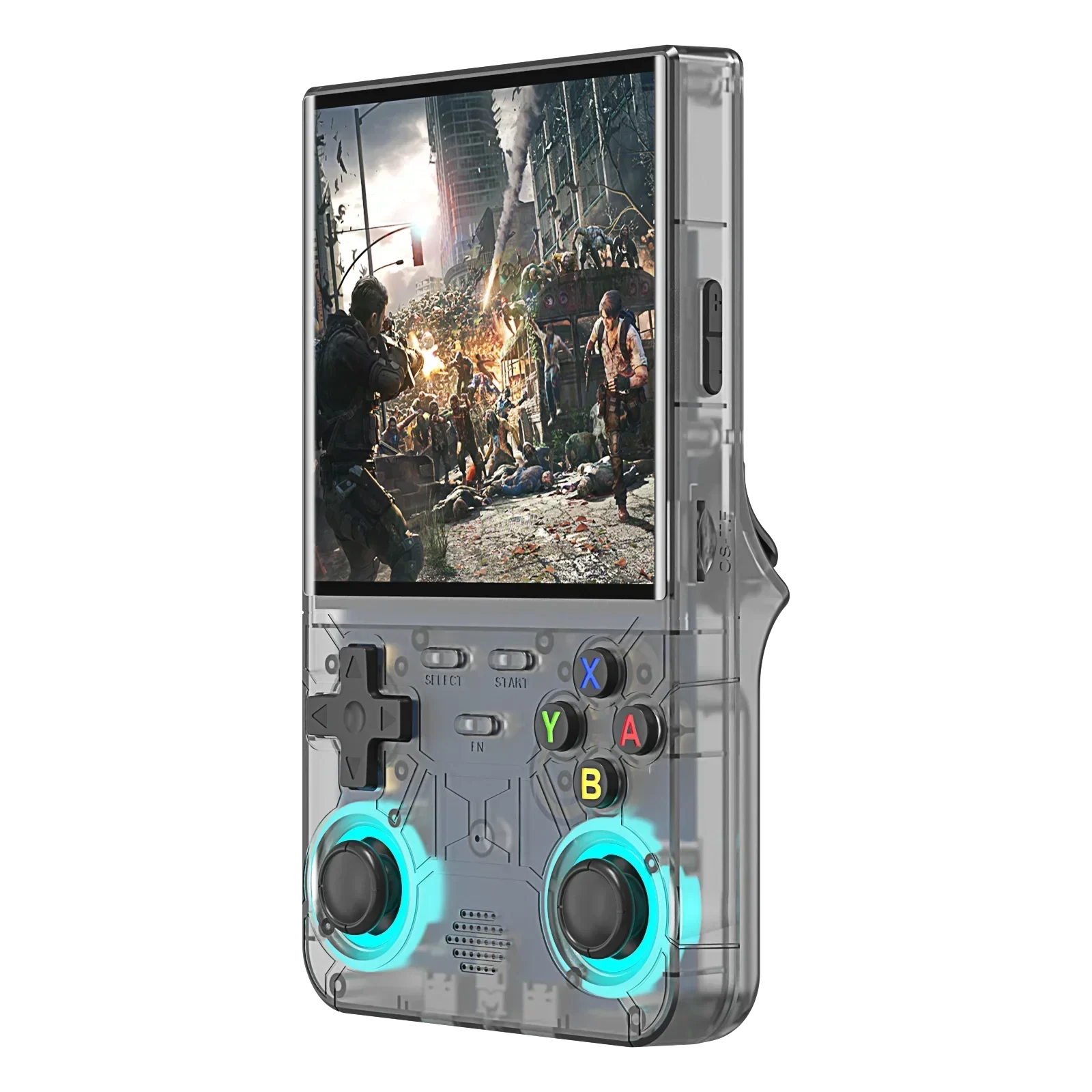
The R36 Max 2 and R36 Ultra X share a 4.5-inch 4:3 screen and the RK3326 chip; the R36 Ultra keeps a 4.0-inch square screen but has the best firmware support. Here is how all three compare, source by source.

A reference list of known R36S clone families, from EmuELEC K36-style boards to PS202 and GB350 fakes, with the signs that identify each one and the firmware its community documents.
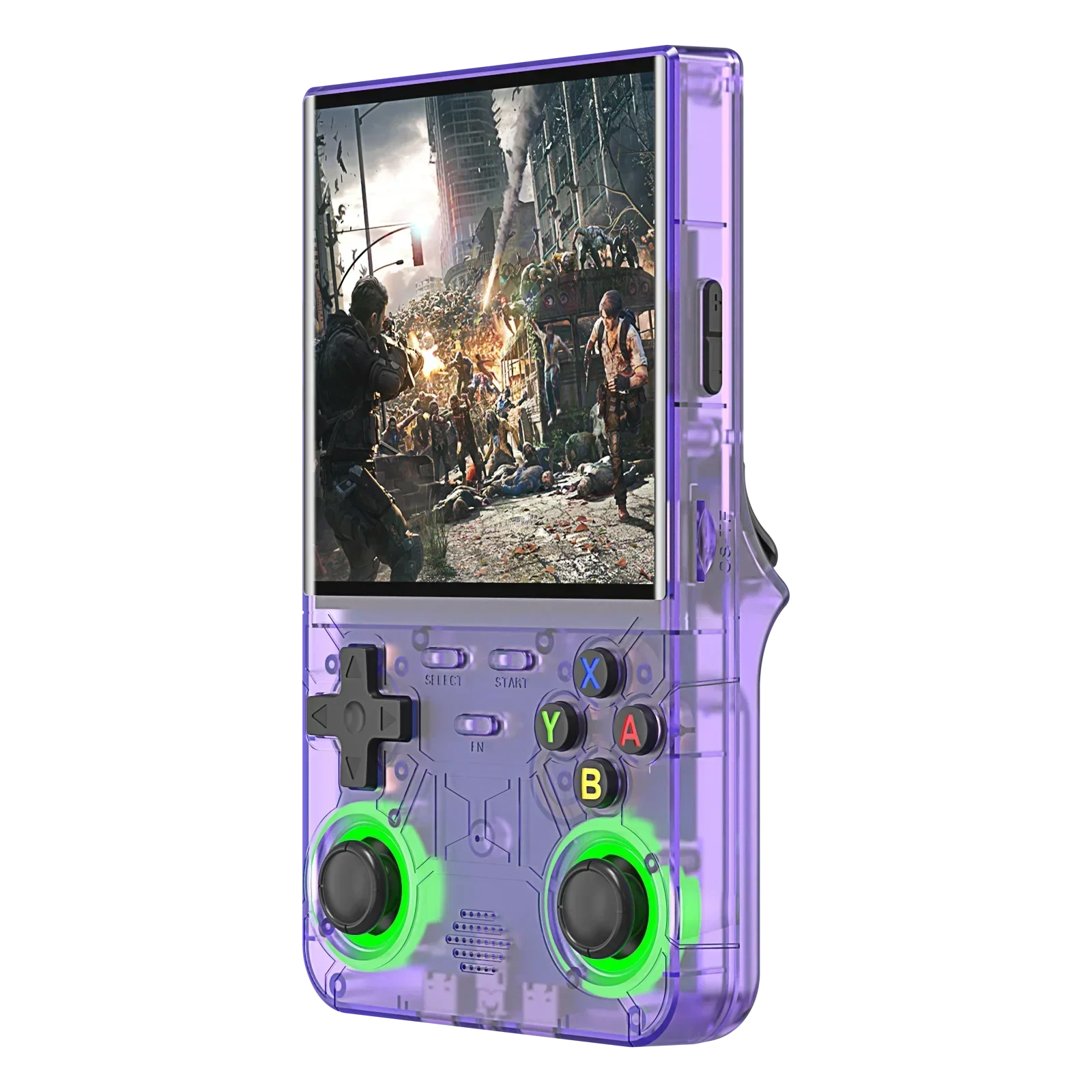
Original ArkOS has no R36 Ultra image, but ArkOS4Clone lists the R36 Ultra as a supported device and dArkOSRE-R36 has it in beta. Here is the support status by firmware, the right DTB, the caveats and the documented install steps.

How to identify your R36S (or R36S clone) screen panel and board revision from the stock DTB file or motherboard ID, so custom firmware shows a picture instead of a black or garbled screen.
The R36 Pro and R36 Ultra share the RK3326 chip, so neither is faster. This comparison covers what actually differs: screen shape, Wi-Fi, hall-effect sticks, battery and who each one suits.
There is no brand-owned original R36 Ultra. Here is what a genuine unit should look like, plus six simple checks for spotting clones and mixed-up models.
The R40S Pro isn’t a newer R36. Here are its real specs next to the R36 Ultra, R40 and R36S, and which one fits your priorities.
The J36 Ultra isn’t an R36S or an R36 Ultra. It’s a separate, less-documented model name, and its specs change from listing to listing. Here’s what can be compared, what can’t, and which handheld suits you.
The R36 Ultra X swaps the Ultra’s 4-inch square screen for a 4.5-inch 4:3 panel — on the same RK3326 chip. Here is the side-by-side, the specs sellers disagree on, and who should buy which.

R36S, R36 Ultra, R36 Max, RG36, “R36 Vault” — the naming is chaos. Here is what the R36 family actually is and how to tell the models from the rebrands.
Every R36 Ultra specification in one place — screen, battery, connectivity, storage — plus an honest note on what genuinely varies between production batches.
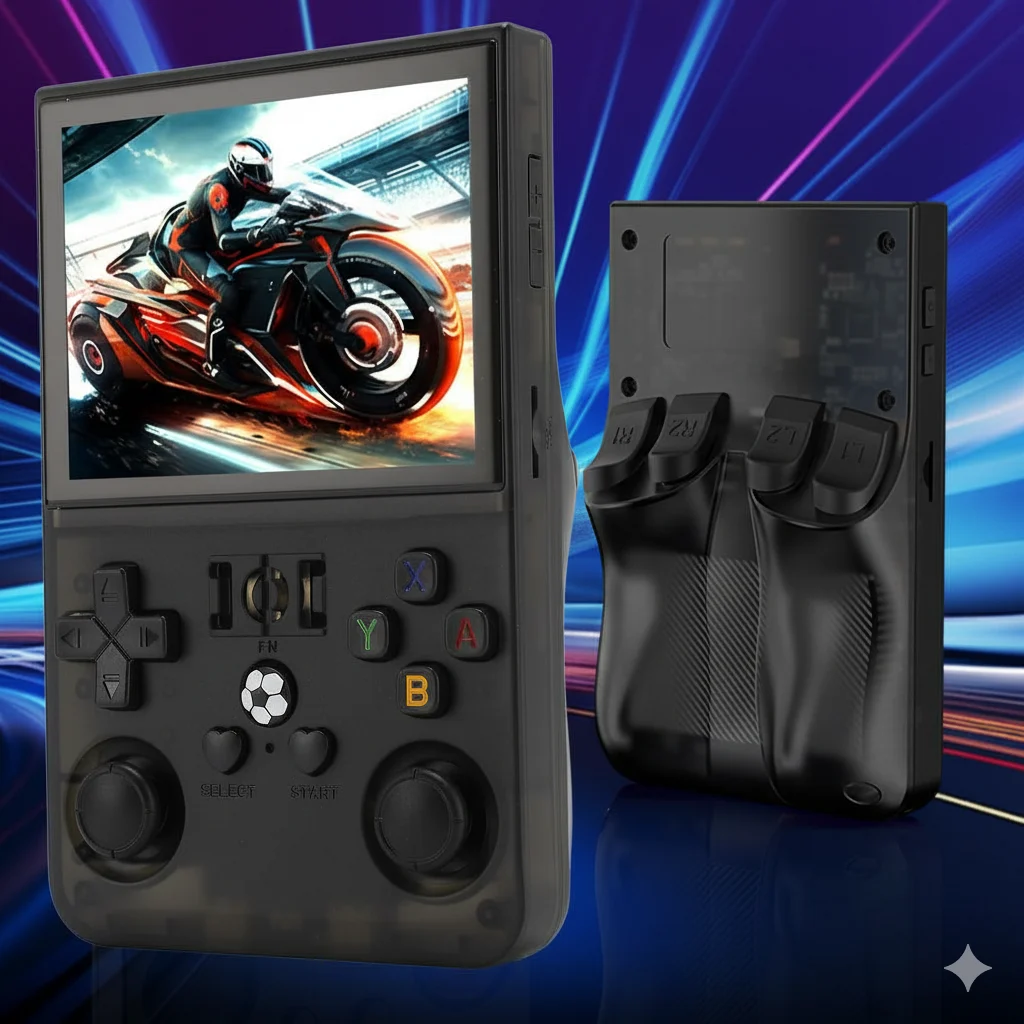
The R40 family sits alongside the R36 line but targets different buyers. Here is what the R40 and R40S Pro offer and how they compare.

The SF3500 is one of the most-searched budget handhelds right now. Here are its specs, real-world performance, and how it stacks up against the R36 family.

Buying an R36 Ultra or R36S? Here’s where to buy, how to get a fair price, which options to choose, and how to make sure you get a genuine unit — not a clone.

Seven budget retro handhelds ranked from published specs and named reviews: R36 Ultra, R36S, R36 Ultra X, R36 Max 2, R36 Pro, R36H Pro Max and SF3500, with one master comparison table, the RK3326 performance ceiling, preloaded-game caveats and clone checks.
GameLab is another R36S look-alike making the rounds. Here’s what it actually is, how it compares to a genuine R36-family handheld, and whether to buy it.

DarkOS is the custom firmware R36 owners keep asking about. Here’s what it does, how to install it, and whether it’s worth flashing over the stock OS or ArkOS.

Anbernic is the big brand; the R36 family is the value pick. Here’s an honest comparison to help you choose the right budget retro handheld.

Getting WiFi working on your R36 handheld unlocks PortMaster and more. Here’s a clear, beginner-friendly setup walkthrough.
Is the R36 Ultra the budget handheld to beat? Our honest, hands-on review covers the screen, controls, battery, performance and value.

ArkOS and DarkOS can transform an R36-family handheld. Here’s what custom firmware does, whether you need it, and how flashing with Win32 Disk Imager works.

RetroSnap went viral on TikTok. Here’s what it actually is, how it compares to a genuine R36-family handheld, and whether it’s worth your money.

Your R36 handheld shines with the right library. Here are the best games by system — the titles that look and play great on a 4-inch screen.

Three names, one family, very different handhelds. Here’s how the R36 Ultra, R36S and R36 Max actually compare — and which one fits you.

RetroSnap, GameLab and a wave of look-alikes are flooding TikTok. Here’s how to tell a real R36-family handheld from a rebranded clone — and why it matters.

What genuinely delights, what to expect realistically — and the two kinds of buyer who should skip it.

Skip the drawer-junk: the short list of accessories that genuinely protect the device, matched to how you actually carry it.

64G or 128G? Which shell color? What arrives in the box? Every pre-purchase question, answered in one place.

The straight answer on big-screen play: what the hardware class supports, why batches differ, and how to verify your exact unit.

A system-by-system answer to what the RK3326-based R36 Ultra and R36S can emulate, from NES and PS1 to N64, PSP and Dreamcast, with every rating attributed to a named review or community list.

What actually drains the battery, how to stretch each charge, and the charging habits that keep capacity healthy long-term.

Won’t boot, black screen, missing games, drifting stick — calm, ordered fixes for the twelve most common issues.

What the console actually runs, why menus differ between batches, and the golden rules before you touch any system file.

The clean 10-minute method for adding your own legally-owned game files: folders, transfer, refresh, play.

Your whole library lives on one little card. Back it up, know when to upgrade it, and swap it without losing a thing.

Everything between opening the box and playing your first game — charging, first boot, menus, and the settings worth changing on day one.